

On social media, capturing your audience’s attention is the name of the game. A post that works is a post that makes people stop scrolling and generates views. To achieve this, you need to leave a mark! And that comes down to two key elements: a hook that hits home and a visual that attracts.
But in practice, which types of visuals can you use to boost the visibility of your posts? We give you a few ideas in this article.
Photos of your team or partners

Creating an authentic connection with your audience on social media is above all a question of humanity. Whatever your background, what matters is showing that there are people behind your brand or your business. If this human dimension is missing, it will be hard for your audience to feel connected to you.
How? It is simple: add a personal touch to your social media posts. For example, share photos of your team! These authentic moments help create a real connection with your community.
Our tips for creating team photos for your social media
- Capture spontaneous, authentic moments.
- Use high-quality images. A blurry or badly lit photo can damage your brand’s credibility.
- Do not be too much of a perfectionist; emotion matters more than technique.
- Add your logo or elements of your visual identity to strengthen brand recognition and create attractive images.
Carousels

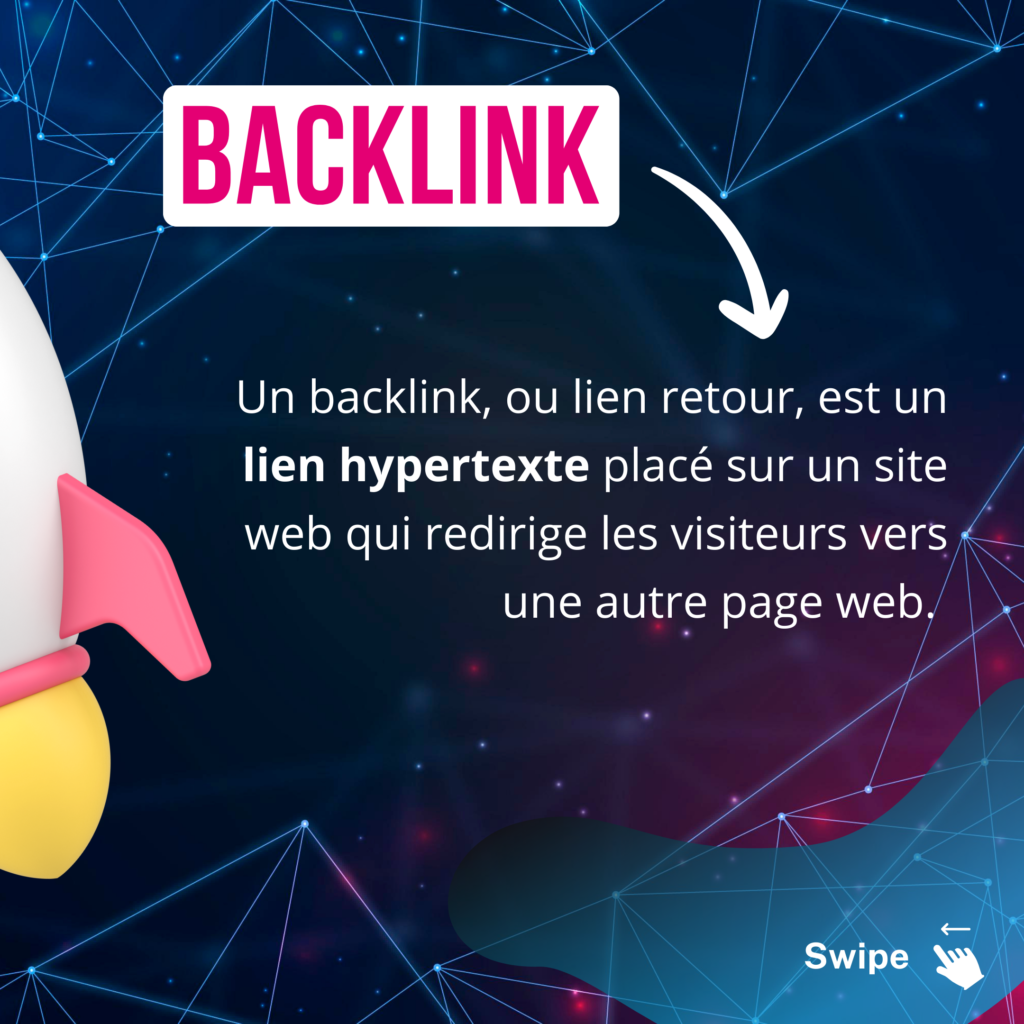
Carousels are posts made up of several images or videos that users can swipe through. They are particularly effective for explaining a subject better, telling a story or presenting a series of products or ideas. This type of visual encourages interaction because it prompts users to spend more time on your post as they scroll through the content.
Use tools such as Adobe Illustrator to create consistent, attractive carousels, making sure each image is visually connected to the next for a smooth user experience.
Our tips for creating carousels for your social media
- Decide in advance what each slide will contain and how they will follow one another to tell a story or present a series of products.
- Alternate between images, videos and text to keep your audience interested throughout the carousel.
- Encourage your audience to interact with your content by adding call-to-action (CTA) buttons or clear instructions on what they should do next, such as “Swipe left”.
Infographics
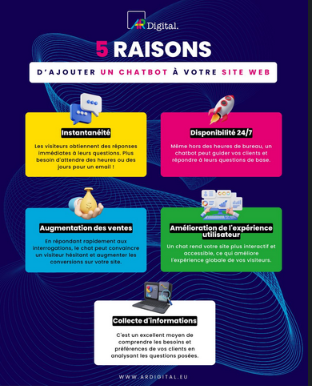
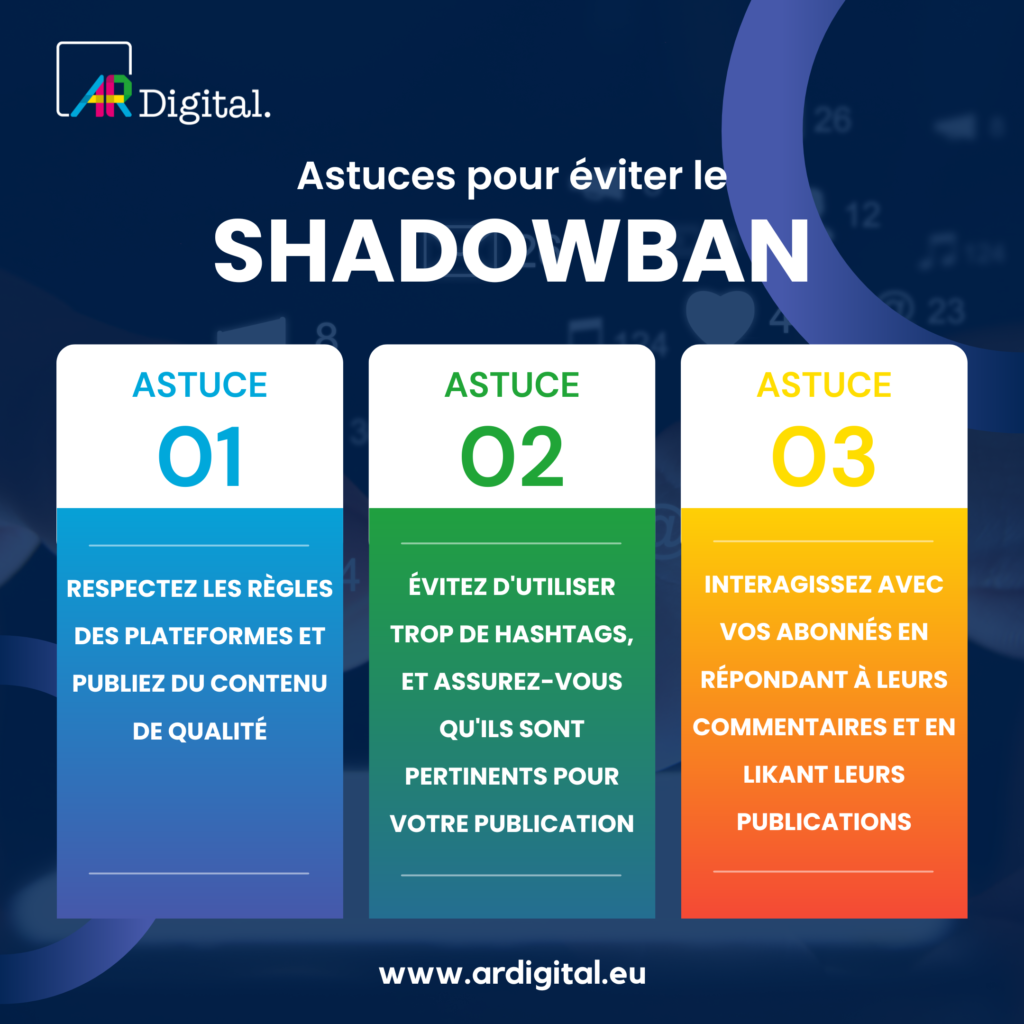
Infographics combine text and images to convey information in a visual, engaging way on social media. They are ideal for sharing statistics, explaining complex processes or providing practical guides. Infographics are widely shared because they make complex information easier to digest and understand.
To create effective infographics, keep a balance between text and visual elements and choose legible colours and fonts. Tools such as Canva or Piktochart can help you create professional infographics without needing advanced design skills.
Our tips for creating infographics for your social media
- Simplify the information and get straight to the point.
- Focus on the key points and use charts or icons to make the data easy to understand at a glance.
- Use attractive colours and fonts that match your brand guidelines.
- Infographics are often shared, so add your logo and contact information to maximise visibility.
- Organise your information logically and use headings and subheadings to guide the reader through the infographic.
Live videos
Live videos are a powerful way to engage your audience in real time. They are perfect for important announcements, product demonstrations, question-and-answer sessions and more. Live videos create a sense of urgency and authenticity, because they show your business in a more personal and interactive light.
To maximise the impact of your live videos, prepare a basic script to avoid dead air but leave room for improvisation. Platforms such as LinkedIn Live, Facebook Live, Instagram Live and YouTube Live are ideal for broadcasting this type of content.
Our tips for effective visual content for your social media
- Plan your live session, and prepare a script or key points to stay on topic.
- Encourage viewers to interact by asking questions and answering live.
- Make sure you have a good internet connection, clear sound and a sharp image.
- Be yourself. Live videos are appreciated for their spontaneous, human side.
Screenshots
Screenshots are practical visuals for showing testimonials, relevant discussions or product interfaces. They are particularly useful for tutorials or software demonstrations. Although simple, screenshots must be clear and relevant.
Use annotations to highlight key points and help your users understand better. Tools such as Snagit or Lightshot can help you capture and annotate your screens easily.
Our tips for creating screenshots for your social media
- Capture meaningful elements that add value to your content, such as customer testimonials, search results or interactions with your product.
- Use arrows, boxes or captions to highlight the important points of your screenshot and guide the viewer’s attention.
- Avoid blurry or badly framed screenshots that could get in the way of understanding your message.
Quote graphics

Quotes in image form are an excellent way to share inspiring messages, advice or opinions. They are very shareable and can help humanise your brand by linking it to universal thoughts or feelings.
To create attractive quote images, choose legible fonts and use background images that reinforce the message of the quote. Canva is a perfect tool for this type of visual, offering many templates and customisation options. Otherwise, here are the best free royalty-free image banks for creating your visuals.
Our tips for creating quote graphics for your social media
- Use careful typography and a clean design.
- Choose quotes that speak to your audience and fit your brand’s values.
- Always credit the author of the quote.
Memes
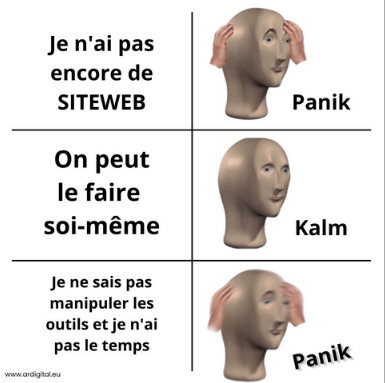
Memes are humorous visuals that circulate widely on social media. They are perfect for showing the lighter, more approachable side of your brand. Although memes are often improvised, a good understanding of your audience and the cultural context is essential to avoid misunderstandings or offence.
Create your memes with tools such as Meme Generator or even design software such as Photoshop if you want full control over quality and originality.
Our tips for creating memes for your social media
- Create memes that match the humour and interests of your target audience for greater impact.
- Avoid obscure references or in-jokes that your general audience might not understand.
CONCLUSION
To conclude, visuals are indispensable tools that can make all the difference to your social media lead generation campaign. Remember that the key is to stay authentic and consistent with your brand’s identity. And do not hesitate to test and vary different formats to see what resonates best with your audience.
Need help creating your visuals or managing your social media? Entrust the mission to our experts. Contact us: hello@ardigital.eu

Lola MinervaCommunication and web marketing
Communication and web marketing expert at AR Digital, with a master’s degree in communication and web marketing. Since 2019 she has designed digital and content strategies for brands in France and Luxembourg.