


With the rise of social media, Instagram and TikTok have become essential platforms for anyone who creates content. Sharing an Instagram Reel on TikTok is a good way to reach more people and make your videos more visible. In this article, we will show you how to do it and how to improve your content for each platform.
What is an Instagram Reel?
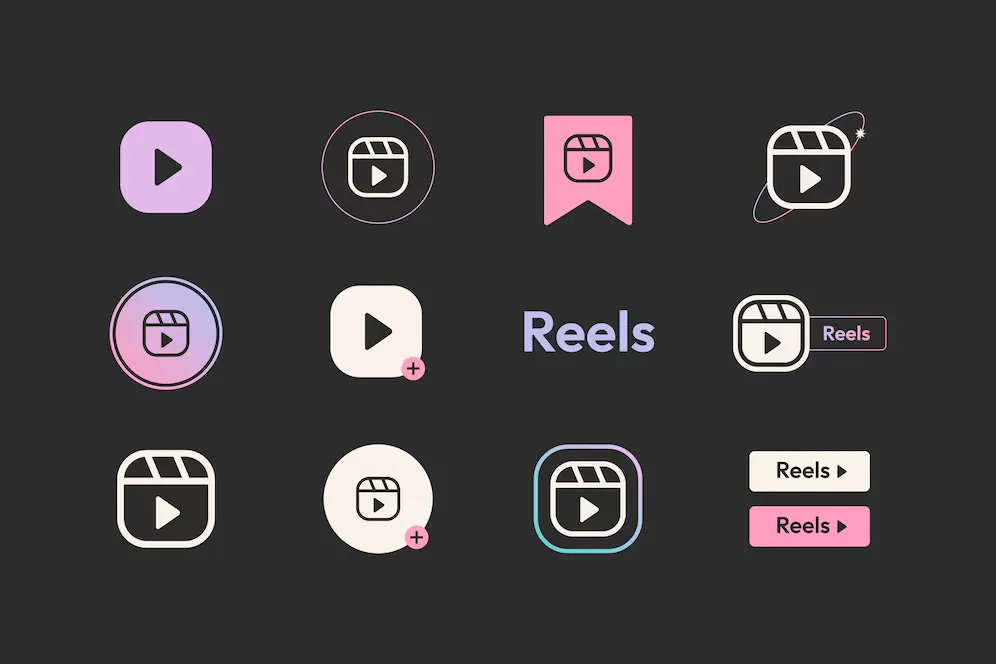
An Instagram Reel is a short video that Instagram created to compete with TikTok. It lets users make and share short videos of 15 to 60 seconds. This format includes special effects, filters and music, and lets you add text, stickers or even subtitles.
You can find Reels in the Reels tab, in the news feed or in Instagram’s Explore section. These videos are very popular and help influencers, brands and creators get noticed on Instagram.
Why post an Instagram Reel on TikTok?
Instagram Reels and TikTok videos are similar, but they do not always appeal to the same audience. By sharing a Reel on TikTok, you reach more people and engage your community better. With this in mind, you will be able to:
- Reach more users. Each social network has its own users. With a single video, you can reach several different audiences.
- Improve your content: reuse the same content properly on different platforms.
- Increase engagement: being present on several platforms increases visibility and interaction.
- Get more value from your content. One video can be used on several platforms such as YouTube, Facebook, Twitter and TikTok.
- Encourage virality: the more your content is shared, the more likely it is to be seen by millions of people.
A few figures
In 2025, it is important for brands and content creators to share videos on TikTok, because the figures show that:
- TikTok has 1.59 billion monthly active users, which makes it the fifth most popular social network.
- On average, each user spends 34 hours and 56 minutes a month on the app, which shows they are highly engaged.
- 72% of users enjoy discovering new products on TikTok, which shows its value for marketing.
- 45% of users have bought a product after seeing it on the platform, which shows its impact on buying decisions.
- 80% of TikTok Shops become profitable in under 3 months, which means the platform is effective for selling.
Sources: 75 Secondes (in French), Katall (in French)
Preparing your Reel before sharing
Checking copyright
Before sharing a video on TikTok, make sure you are not infringing copyright when you use a music track. If you have already used a licensed song on Instagram, you will not be able to use it on TikTok. To be sure you are not using music you would have to pay for, use TikTok’s library or simply work with free audio tracks.
Optimising the format
To stand out on TikTok, here are a few recommendations to follow:
- Vertical 9:16 format (suitable for mobile phones on iOS, iPad and Android).
- High-quality video so you do not lose detail to compression.
- The right length: TikTok allows videos of up to 10 minutes, while Reels are generally shorter.
- Add a thumbnail: an eye-catching image makes people want to click and increases the number of views.
How do you share an Instagram Reel on TikTok?
Method 1: Download and repost
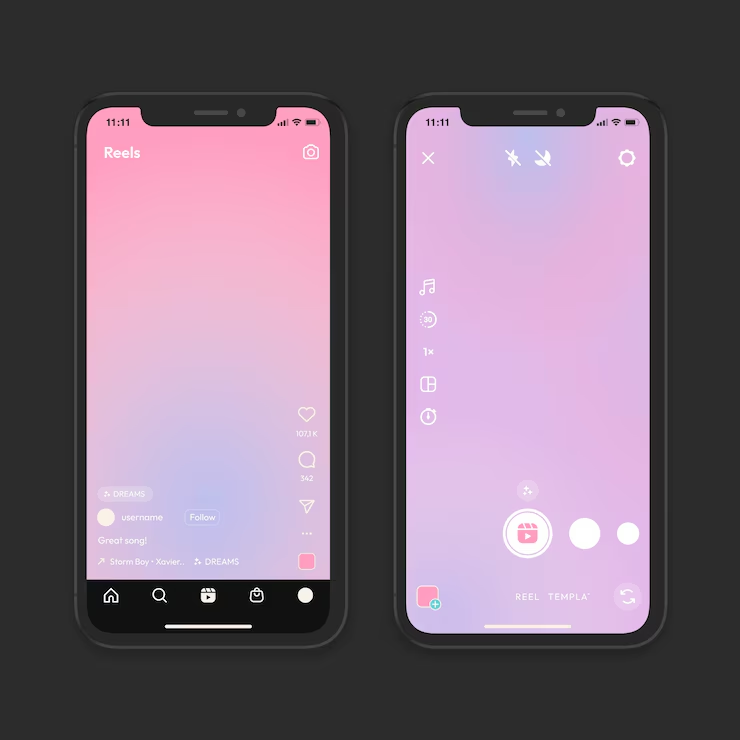
- Download the Instagram Reel:
- Go to Instagram and log in to your account as usual.
- Then tap the three dots at the bottom right of the Reel you are watching.
- Choose “Copy link” from the options.
- Once the link is copied, go to the Savefrom.net website. Paste the link into the search bar, wait for it to process and download your video. Alternatively, you can also use a YouTube converter to download the video.
- Import it into TikTok:
Importing into TikTok could not be simpler.
- Open the TikTok app and tap the “+” button.
- Then tap the “Upload” option and choose the video you saved on your phone or in your gallery.
- Remember to edit your video too. You can add text, effects or subtitles to make it unique.
- Add an interesting description with suitable hashtags.
- Finally, tap “Post”.
Method 2: Screen record and share
If downloading does not work, use editing software or a screen recording tool such as Screen Recorder, available on iOS, iPad or Android. This type of tool lets you record and edit your videos.
Avoiding watermarks
Instagram puts its logo on downloaded videos. To remove it, use a video converter or an editor to crop the video and hide the watermark.
Optimising your Reel for TikTok
Adding music and effects
TikTok promotes videos with popular songs. Replace the Instagram music with a song found on TikTok to grow your audience.
Using the right hashtags
Hashtags are important for getting noticed. Use these hashtags:
- #ReelInstagram
- #TikTokViral
- #SocialMediaMarketing
- #FreeYouTube
- #ConvertisseurYouTube
Analysing your video’s performance
After you have posted your video on TikTok, it is important to look at how it performs so you can improve your next videos. The TikTok Analytics tool helps you see several key points:
- Number of views: shows how popular your video is.
- Engagement rate: the ratio between interactions (likes, shares, comments) and the number of views.
- Number of shares: the more a video is shared, the more visibility it gains.
- Comments: They give you an idea of the impact of your content and what your audience expects.
With these statistics, you can improve your next posts by trying different formats, lengths, posting times or hashtags to perform better on TikTok.
Extra tips
Use advanced editing tools
You can make your video better by using editing software such as Adobe Premiere Pro, CapCut, iMovie or online tools.
Post at the right time
Algorithms favour specific posting times. Try different times to find the best one. According to the statistics, the best time to post on TikTok is between 5 pm and 6.30 pm.
Share on other platforms
Do not only post on TikTok and Instagram. Remember to put your video on YouTube Shorts, stories on Facebook or Messenger and X (formerly Twitter).
Posting an Instagram Reel on TikTok is a good way to attract more people and improve interaction. By adjusting your video for each platform and adapting it to TikTok, you will have a better chance of success.
In the end, sharing an Instagram Reel on TikTok is a good alternative for reaching a wider audience and boosting your interactions. By adopting good practices, from preparing the content to publishing and analysing the data, you improve your chances of grabbing attention. Do not wait any longer: try this method today and increase your visibility on social media!

Lola MinervaCommunication and web marketing
Communication and web marketing expert at AR Digital, with a master’s degree in communication and web marketing. Since 2019 she has designed digital and content strategies for brands in France and Luxembourg.