



AR Digital / Daily AI
Claude or Claude Code: when to ask a question, delegate a task or move to code
Ask a question, delegate a task or have code written: which way of using Claude to choose in your SME, with which plan and which precautions.

Radu UleaFounder of AR Digital
Since 16 September, chat and Cowork have been merging into a single Claude, first on Pro, Max and Ultra, then on Enterprise, where the option is switched on; on Team, the unified version is in beta, and the free plan is due to follow. Claude Code stays separate, for code. On the plans that have already moved to the new version, the right choice is no longer made between two screens but in the way you word your request. Here is how to find your way without wasting your usage.
Daily AI. Claude, Claude Code or the old Cowork: which to choose for which task? Since 16 September, chat and Cowork have been merging into a single Claude, first on the individual plans, then on Enterprise. The rule is simple. If you want an answer: ask a question. If you want finished work, such as a table built from forty statements: describe the result you expect, and Claude chains the steps together. If you want code: that is Claude Code. Two traps. A multi-step task uses more of your allowance than a question, and Claude and Claude Code draw on the same limit. And on Pro, Max and Team, Auto mode is switched on by default: switch to Manual mode until your team has found its feet, and connect a folder of copies, never the whole shared drive. The detail is just below.
In brief: in Claude, ask a question when you want an answer, describe a result when you want finished work; Claude decides on the steps. Keep Claude Code for writing or fixing code. A multi-step task uses more of your allowance than a simple question.
The problem at the office
Take an eight-person accounting firm. The accountant pastes forty statements into Claude every month, one by one, then copies the totals into their spreadsheet. The intern has installed Claude Code “because it’s the most powerful” and uses it to reword emails. Both hit their usage limit before Friday, and neither has used the tool for what it is good at.
The landscape changed this autumn. On 16 September 2026, Anthropic announced that Cowork and chat are merging into a single Claude: you no longer have to choose where to send a task, Claude works out what it requires. The rollout began on the individual Pro, Max and Ultra plans; the unified experience has been available for Enterprise since 23 October, where the organisation has switched it on, and the announcement says Team and the free plan will follow; according to the Help Center, Team already has access in beta where the option is switched on. These services are offered in Luxembourg as in all the Member States of the Union, which appear on the list of countries supported by Anthropic.
The options at a glance
| Use | What it is for | Plan required | Limit to know about |
|---|---|---|---|
| Claude, a question | Think, write, summarise, analyse a document you give it | Free plan possible; 5 projects at most; no Research feature, but web search is included | You also do every step yourself: pasting, rereading, copying out |
| Claude, a delegated task (Cowork depending on your plan) | Get a multi-step deliverable: sort files, produce a table, work in your connected apps | Paid plans; on Team, the web and mobile version is in beta; on Enterprise, an owner must switch on the web and mobile version | Uses more of your allowance than a question; really acts on your behalf |
| Claude Code | Write, fix and test code; automate a script | All paid plans, not on the free plan | Designed for a code project; it modifies files and runs commands |
Sources: Claude plans page, Cowork getting started guide, help page on web, desktop and mobile and announcement of the merger, consulted on 3 November 2026.
Which to use for which task
A question: when you want an answer
A delicate email to word, a contract to summarise, a campaign idea to challenge: a question is enough. You stay in control at every exchange, and that is what you want when judgement matters more than volume. If you often come back to the same file, group your exchanges in a project so you don’t have to explain the context again.
A delegated task: when you want finished work
Anthropic’s guide specifies that this way of working relies on the same agentic architecture as Claude Code, without a terminal. On the plans that have received the unified version, there is no button to find: you describe the result you expect and Claude chains the steps together. If your message box still shows the Chat and Cowork options, select Cowork before describing the task. Back to our accountant. Instead of pasting forty statements, they open the desktop app, connect the folder that contains them and write: “Make a summary table of these statements, flag the discrepancies, and present your plan before you start.” They then review the table instead of building it.
Watch the default setting. Anthropic’s announcement states that, by default, Claude asks before acting, but the Help Center specifies that, in the new version, Auto mode, where Claude carries on without asking at each step, is switched on by default on Pro, Max, Ultra and Team; Manual mode is the default on Enterprise. On Team and Enterprise, the administrator decides whether automatic approval is offered. Until your team has found its feet, switch to Manual mode from the message box, especially for anything involving money, messages sent in your name or important files.
Claude Code: when the result is code
The official documentation describes it as an agentic coding tool that reads your codebase, edits files, runs commands and integrates with your development tools, in the terminal, in code editors such as VS Code or JetBrains, in the desktop app and in the browser. For an SME, it is the tool of the in-house developer or of the provider who maintains your website, your extranet or your export scripts. For rewording an email, it isn’t meant for that.
The simple rule: an answer means a question to Claude. A multi-step deliverable on your files means a task described to Claude. Code means Claude Code.
The trap to avoid
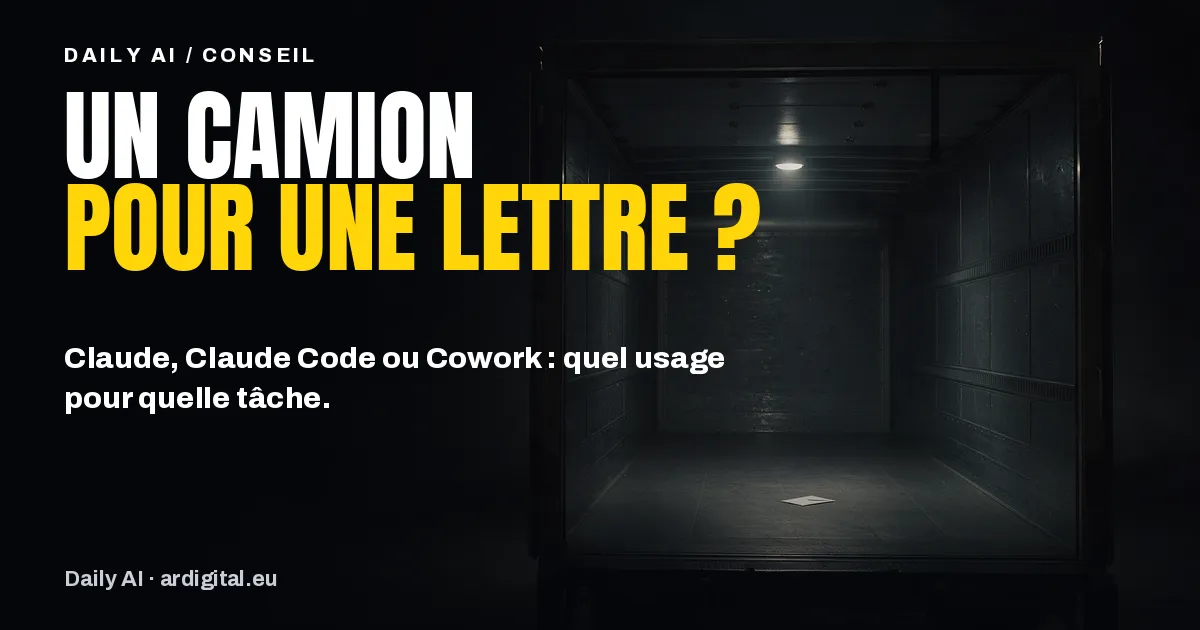
The first trap is usage. The getting started guide specifies that a multi-step task uses more than a simple question. On subscription plans, the plans page states that your activity on Claude (web, desktop, mobile) and on Claude Code draws on the same limit; on Enterprise, usage is added to the seat price, at API rates. Handing an agent a one-line question is paying for a lorry to deliver a letter. We detailed how to protect these limits in our edition on choosing the Claude model.
The second trap concerns your data. Anthropic reminds users that Claude has access to the local files you allow it to open and can take real actions on your behalf, and recommends reviewing planned actions, especially with sensitive files. On Pro, Max and Ultra, new sessions run in the cloud since the removal, on 6 October 2026, of the option that kept them on the computer. Your folders stay on your machine, but when a task needs a file, Claude fetches a copy in the cloud, deleted when you delete the session, as the help page on web, desktop and mobile explains. So connect a working folder with copies, not the whole shared drive, and first check that the account used is a business account, as we explained in our edition on personal or business account.
Taking it further with your team
A trained team doesn’t choose the tool at random. It asks a question to frame the request, describes a task when the work is repetitive and well defined, and keeps Claude Code for those who maintain code. It also decides, once and for all, which folders Claude may open and who reviews what it produces.
In practical terms, to start this week:
- list three tasks that your teams repeat every month and classify each one: answer, deliverable or code;
- delegate just one of these tasks to Claude, on a folder of copies, asking for its plan before it acts, and note the review time;
- keep Claude Code for the person who manages your website or your scripts.
In Luxembourg, training linked to setting up an AI tool can, under conditions, be part of an SME Packages AI project: we detailed the scheme in our guide to funding AI training.
Our take
The merger simplifies the screen, not the decision. It is now the wording of the request that makes the difference between an answer and finished work. In our view, an SME gains more by handing two or three repetitive tasks to Claude, well described, than by looking for the strongest model. But an agent that acts needs written rules before the first trial: which folders, which account, who reviews.
Frequently asked questions
Does Cowork still exist?
Since 16 September 2026, Cowork and chat have been merging into a single Claude, first on the individual Pro, Max and Ultra plans, then on Enterprise since 23 October, where the organisation has switched it on. On Team, the unified version is in beta, with the same condition; the free plan is due to follow. If your message box still shows Chat and Cowork, choose Cowork to delegate a task.
Is Claude Code only for developers?
It is designed for code: it reads a codebase, edits files and runs commands. Someone who doesn’t program will get more value from a task described to Claude, which relies on the same architecture without a terminal.
Does delegating a task use more of my allowance?
Yes. A multi-step task uses more than a simple question. On subscription plans, your activity on Claude and on Claude Code draws on the same limit; on Enterprise, usage is added to the seat price, at API rates.
Do my files go to the cloud?
In part. On Pro, Max and Ultra, new sessions run on Anthropic’s servers. Your folders stay on your computer, but when a task needs a file, Claude fetches a copy, deleted when you delete the session. It only reaches the connected folders, as long as the desktop app is open on that computer and if the task was launched from the desktop or scheduled.
Every working dayAR Digital / Daily AI
Get Daily AI every working day.
One piece of AI news, what it changes for your business and what to do, in your inbox in the morning. Free, no commitment.

