HTTP status codes are three-digit series that tell web browsers about the state of pages. These errors can appear while you browse the web or be spotted in your own hosting space. Yet your website is often the first impression people have of you, and common errors can seriously damage that first meeting. To help you find your way through the maze of web pages without trouble, here is a list of the 7 most common errors you must avoid.
An overview of web page errors
When a custom website displays an error message, our reflex is often to close it without even reading the content. However, on your own site, these error messages can contain crucial information. By identifying and fixing them, you can improve your SEO and reduce your bounce rate.
HTTP status codes are used by web servers to indicate whether a request was processed successfully or not. They consist of 3 digits, with the first digit determining the category of the code:
- The 1XX class is used for information.
- 2XX codes signal a working state or success.
- 3XX codes indicate a redirection.
None of these classes generates an HTML error page. These other two classes, on the other hand, are more common:
- 4XX codes signal client-side errors;
- 5XX codes indicate server-side problems.
Client-side errors
Error 400: Bad Request

The server is unable to understand the request submitted by the client. This leads to the 400 Bad Request error page being displayed. This error generally occurs when the data sent by the browser does not comply with the HTTP protocol standards (in French). As a result, the web server cannot correctly interpret the request it received.
When this error appears, it may point to a problem on the client side, such as:
- An insecure operating system,
- An unstable internet connection,
- A faulty browser or caching problems, and so on.
If this error keeps happening on different sites, it is advisable to carry out a thorough check of your computer’s security, whether it runs Windows or macOS.
Error 401: Authentication required
This error code indicates that access to the requested page requires a username and password. This error therefore applies to every web page that needs a password. The 401 code does not generate a standard error message, but rather a pop-up window that asks the user to enter their login details. So, if the client tries to access the page without them, the 401 error will appear.
Error 403: Access denied
When this message appears, it means that access to the requested resource is restricted and the web server refuses to send you the content you want. This raises a basic access problem, which can be complex to solve because the HTTP protocol allows the server to return this response without explaining the cause.
It is essentially a flat refusal from the web server, with no possibility of further dialogue.
The most common reason behind this error is usually a ban on browsing the site’s directories. It appears when browsing a file or a directory is forbidden.
Most sites prefer that navigation happens through URLs rather than through the internal folder structure.
If the whole site is protected in some way, you may receive a 401 Unauthorised error message. It is also possible, although less likely, for the web server to issue a 403 message.
Some web servers may return a 403 error if they used to host the site but no longer do. So, if recent changes have been made to your website, a 403 error message may be generated.
To solve this problem, first check that you have specified a real web page file name and extension, and not just a directory. If the error keeps appearing, clear your cache and try again.
Error 404: Not found
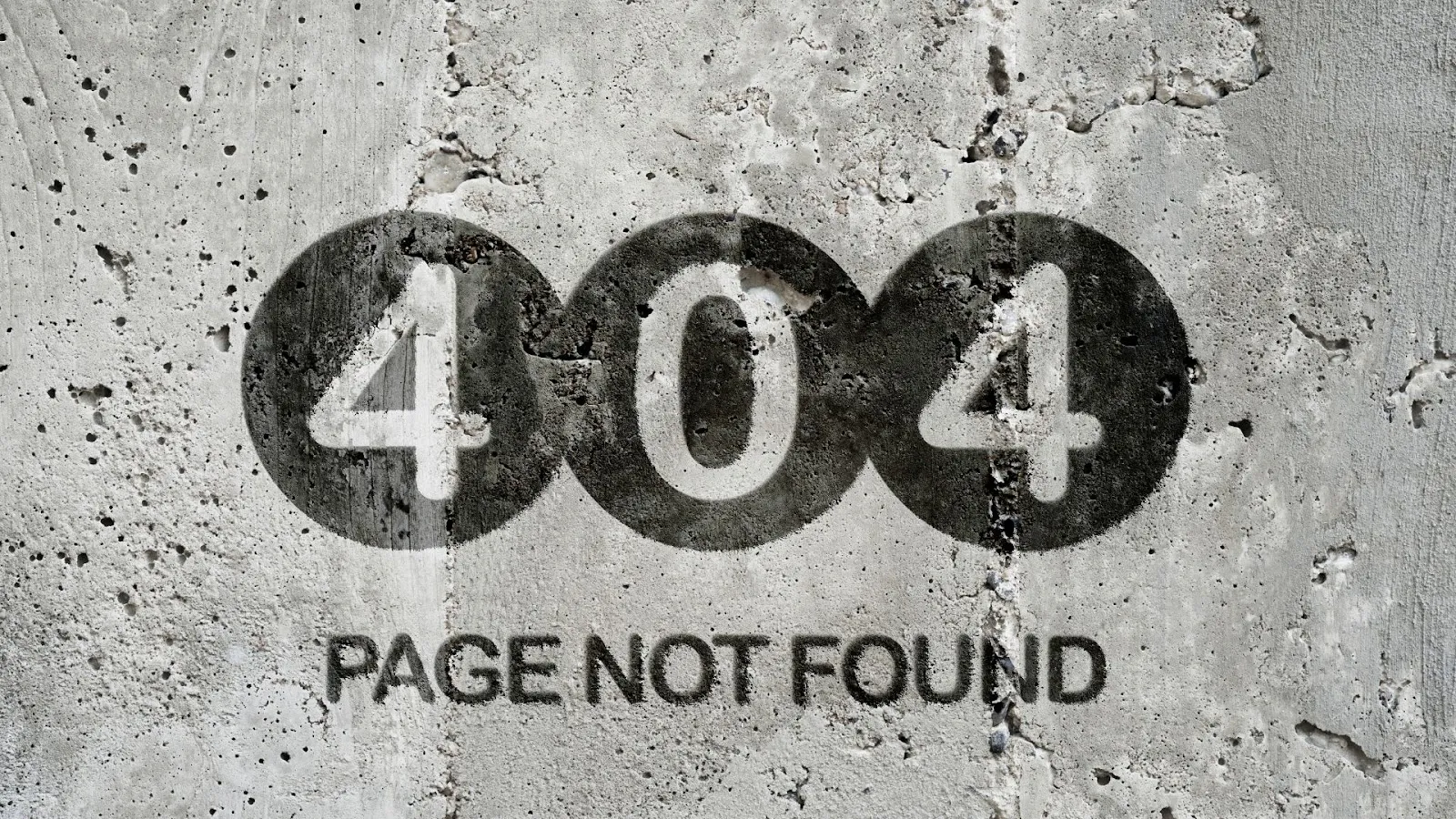
The 404 error is probably one of the best known and most frustrating for users. It occurs when the server cannot find the requested page. This can be due to an incorrect link, or a page that has been deleted or moved. To avoid this, make sure you set up the right redirects and check your links regularly. Custom error pages also give customers a better experience.
Error 429: Locked
The 429 error occurs when the resource the user is trying to access is locked. The reasons are often a request made too frequently or simultaneous access by several users. Make sure you manage locks properly and put strategies in place to avoid concurrent access that could cause this error.
Server-side errors
Error 500: Internal server error
The appearance of this message indicates that the web server has run into an unexpected condition. This prevents it from responding to the client’s request.
Common causes of the 500 error include:
- Problems when installing or updating software.
- A conflict between a newly activated plugin and other plugins that are already installed.
If you come across this message, the first step is to examine the logs. They can contain information that helps you understand why the error occurred. On Linux, look at the Apache error logs. On Windows, enter a specific code to enable detailed errors in your web.config file.
That said, the only way to fix a 500 error code is often to carry out server maintenance.
Error 502: Bad gateway
The appearance of the 502 error does not necessarily mean the upstream server has failed (no response from the gateway or proxy). It is rather a difficulty in communicating data between the upstream server and the downstream server.
If you see this error on every site you try to visit while browsing the web, your internet service provider (ISP) may be having a fault, or carrying out maintenance or dealing with overloaded equipment. Another possibility is a poor configuration of your firewall.
Error 503: Service unavailable
The 503 error means that the server is temporarily unavailable because of overload or maintenance. Although this may be unavoidable on some occasions, it is important to provide a custom, informative error page to tell users what is happening and when the service will be back.
Error 504: Gateway Timeout

A 504 error, also known as “Gateway Timeout”, occurs when a server acting as a gateway or proxy fails to receive a response within the allotted time from the server to which it forwards the request. In other words, the server could not get the necessary response within the expected time.
This can happen for various reasons:
- connectivity problems between servers,
- a heavy load on the destination server,
- programming problems,
- performance limits…
This error essentially shows that there is a communication problem between the different servers involved in processing the HTTP request.
Other errors
The HTTP status code 301 (Moved permanently) means that the resource you are looking for has been permanently moved to a new address. This redirect tells the client that it must now use this new address to reach the resource.
By contrast, the 302 (Found) code signals that the redirect is temporary. The client is then invited to keep using the original address for its future requests.
CONCLUSION
In short, HTTP status codes are crucial indicators of the health and proper working of your website. Understanding and managing them properly can greatly help improve the user experience, strengthen your online presence and avoid potential losses of traffic and revenue. By quickly identifying and fixing the most common errors, you can make sure your website stays accessible, functional and professional. Your visitors then enjoy an optimal experience from their very first interaction with your brand.
Want a custom website with no errors? Contact our team!