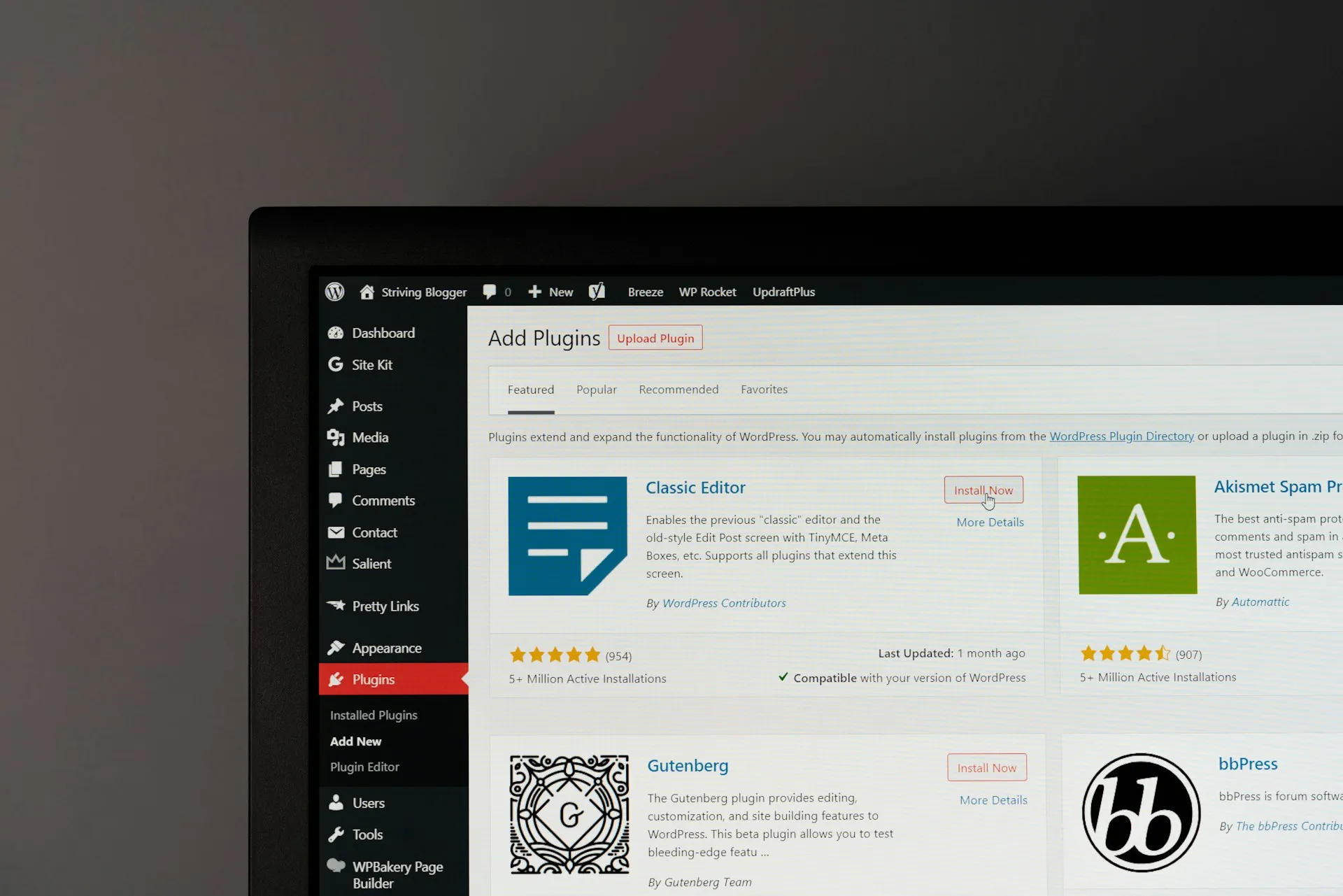
WordPress plugins, also known as extensions, are essential tools for improving the features and performance of a website. With a vast library of plugins available, it can be hard to choose the best ones for the specific needs of a professional site.
What is a WordPress plugin?
A WordPress plugin is a piece of pre-programmed code that adds extra features to your WordPress website without having to change the core code.
In other words, plugins extend the basic capabilities of WordPress. They offer almost endless customisation to meet individual users’ needs.
Now, let’s review five of the most effective plugins for improving the performance and optimisation of a professional website:
#1 Yoast SEO: publish optimised content

SEO is essential for a site’s visibility on search engines such as Google. With that in mind, the Yoast SEO plugin is your ally. Even though Google regularly adjusts its algorithms, some SEO criteria remain constant. And Yoast SEO lets you target them effectively.
Known for its red, orange and green traffic lights, this WordPress plugin offers a wide range of tools for content optimisation, meta tags, URLs and much more. It provides a detailed analysis of the readability of your content and gives suggestions for improvement.
The Yoast plugin also lets you simulate the final appearance of each article in search results. Users can therefore anticipate the results and fine-tune their SEO strategy accordingly.
The free version of Yoast offers adequate features for optimising your SEO. However, there is a premium option at 99 EUR, designed for use on a single site.
#2 Imagify: the ideal WordPress plugin for your graphics and videos

Image editing and video editing software are often criticised for the heavy files they produce. The main purpose of the basic video plugins built into media players is to play files in different formats such as MPEG, AVI, WMV, etc.
The Imagify WordPress plugin offers a way to reduce that weight by compressing images without affecting their quality. This compression helps lighten the total weight of pages. In turn, it results in faster site loading and faster display of content.
Imagify uses a freemium model. Once you reach a certain number of images to optimise, access to the free plan is limited. You then need to choose the paid plan, which starts at $5.99/month, to keep using the service.
#3 Social Rocket: the WordPress plugin to link your website and social media

The Social Rocket WordPress plugin lets you connect your social media to your website. You can embed your well-known social media accounts such as Facebook, Twitter, Instagram and Pinterest.
This plugin simplifies managing your social media and engaging with your community. It also offers features to amplify your content through options such as “Like”, “Share” and “Comment”.
The plugin has a free version and a paid version, with prices of $29 for one site, $99 for 5 sites and $249 for an unlimited number of sites.
#4 Total Cache: speed up your site and improve your SEO

Caching is indispensable for any website, especially those built on the WordPress platform. It helps reduce page loading times. As a result, it ensures a smooth and satisfying user experience while meeting Google’s requirements for loading speed.
How does caching work? In essence, it consists of storing static copies of pages that have already been loaded. This avoids new database requests on later visits. So every time a user revisits your site, they get previously generated versions of the pages. The result? The loading process is faster.
In this WordPress ecosystem, the W3 Total Cache plugin (in French) creates static HTML pages that reduce your site’s loading times. Your site therefore offers a faster, more satisfying user experience. By caching pages that have already been loaded, it avoids repeated database requests. This relieves your server and lets it handle traffic peaks better.
#5 Contact Form 7: easily add online forms

Widely known on WordPress, the Contact Form 7 plugin makes it easy to add contact forms to your WordPress site. It gets frequent updates and has been widely adopted, ensuring reliability, security and performance. Installing and activating it is essential for optimising the back office.
By default, the plugin offers a basic form format that is easy to customise. Its close link with WordPress and other plugins underlines its importance in the WordPress ecosystem.
Conclusion
In conclusion, investing in these WordPress plugins can improve the performance of your professional website. These 5 plugins optimise your site for better visibility, optimal engagement and a better user experience.
Need help increasing the visibility of your website? Contact our team.