



AR Digital / Daily AI
Claude Meetings transcribes your Google Meet calls: tell your participants before you invite it
Claude Meetings transcribes your Google Meet calls. The default settings on the Team plan and what to tell participants before you switch it on.

Radu UleaFounder of AR Digital
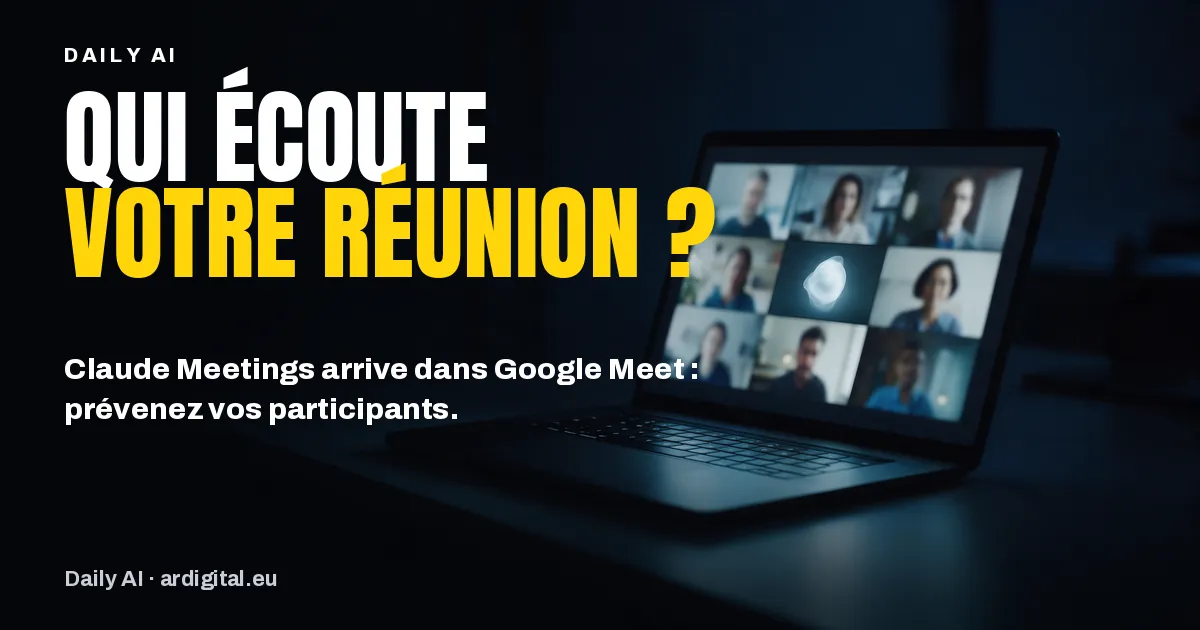
This week Anthropic presented Claude Meetings, in beta: Claude joins your Google Meet calls, takes notes and starts work during the meeting. On the Team plan, the feature is switched on by default. Before the first employee adds it to a customer call, three settings and one sentence of information deserve your attention.
Daily AI. Anthropic is launching Claude Meetings, in beta: Claude joins your Google Meet calls as a visible participant, takes notes and prepares documents and whiteboards during the meeting. It keeps a transcript, a summary and descriptions of the screen, but not the audio. On the Team plan, the feature is switched on by default, and meetings with external guests are allowed according to the Help Center. But a transcript contains the words of your employees and your customers: the GDPR requires you to inform them. Our advice: check your organisation’s settings today, limit Claude to internal meetings, and add a sentence of information to your invitations before using it. The detail is just below.
In brief: Claude Meetings adds Claude as a visible participant in your Google Meet calls. It records a transcript, a summary and descriptions of the screen, not the audio. Switched on by default on the Team plan, it is configured in the organisation settings. Inform every participant and check that they agree to be transcribed.
What Anthropic is launching
In an announcement dated 12 November 2026, Anthropic presents Claude Meetings, a beta feature that lets you add Claude to a video call. Claude appears in it as a full participant, with its own tile, and posts a notice in the call chat as soon as it arrives. For now, only Google Meet is supported, so SMEs on Microsoft Teams or Zoom are not affected; Anthropic announces other video conferencing platforms later.
During the call, you address it by saying “Claude” followed by your question, or by writing to it in the Meet chat. By default, it answers in writing in that chat. It can also create a document or a whiteboard live, which invited colleagues edit while the meeting carries on. After the call, a page specific to the meeting gathers the notes, the actions to take, the transcript and everything that was produced.
The feature is rolling out on the Team and Enterprise plans. During the beta, it is not offered to some organisations, notably those that have chosen zero data retention, a HIPAA-compliant configuration or their own encryption keys.
What it changes for an SME
The gain is real. The manager of an engineering consultancy who strings together four project follow-up meetings by video a day no longer has to write up the minutes in the evening: the meeting page already contains the summary and the actions to take. In an internal preparation meeting, anyone who asks “Claude, how much did last year’s event cost?” gets the answer in the chat, if the tool that holds the information is connected and if they give their approval. For a request made out loud, Claude currently asks each time to confirm who is speaking.
But a meeting transcript is personal data processing: what your employees, customers and suppliers say is recorded in it. In Luxembourg as everywhere in the European Union, the GDPR requires you to inform people at the time their data is collected, notably about the purpose of the processing and the retention period (Article 13). Anthropic says as much in its help page: before adding Claude or switching on its automatic participation, check that every participant agrees to be transcribed. The notice that Claude posts in the chat does not replace this information: many participants don’t read a call’s chat.
The settings to check
The organisation settings are found under Organization settings, Products, Claude Meetings (beta), available to account owners (on Enterprise, also to a custom role with owner access).
| Setting | Default on Team | Default on Enterprise | Our starting advice |
|---|---|---|---|
| Claude Meetings | On for everyone | Off | On Team: switch off while you write the policy. On Enterprise: reserve for a pilot group through a custom role |
| Meetings with external guests | Allowed | Internal meetings only | Internal meetings only |
| Members’ connectors in meetings | Not specified | Not specified | Switch off at the start of the pilot |
Default values according to the Claude Help Center, consulted on 13 November 2026. Anthropic’s announcement states that Claude stays out of calls with external guests by default: check the actual setting in your own organisation.
On the user side, each person chooses their automatic participation under Settings, Capabilities, Meetings: all their meetings, or all except one-to-one meetings. An owner cannot impose it on an employee. Each person also has their own setting for meetings with external guests. Google Calendar must also have been enabled for the organisation and connected by the user.
On cost, during the beta, notes, transcripts and answers that use no connector are included in the Team and Enterprise plans. Documents and whiteboards created in meetings are free until 10 February 2027. An answer that uses a connected tool counts towards your usage and may incur charges.
The trap to avoid
The trap is leaving automatic participation on for every meeting. A manager who switches it on to save time will also have transcribed, if they haven’t excluded one-to-one meetings, their annual reviews, their sensitive conversations with an employee and their negotiations with a customer, if external guests are allowed. And the meeting page is visible to the invited people in the organisation, and it can be shared with other colleagues. When external guests take part, what they say appears in the notes and the transcript, even if they have no access to the page or the summary.
A second point to watch: everything Claude posts in the Meet chat is visible to all participants. In an internal meeting, a figure looked up out loud is therefore displayed in front of all the colleagues present, not only the one who asked for it. When external guests are present, Claude no longer answers in the Meet chat: it takes notes, and documents, whiteboards and exchanges go through the meeting page, which guests cannot see. To pause Claude, simply ask it to stop listening or use the meeting page.
Where to start
- Today: open the organisation settings and check the three settings in the table. On the Team plan, at the very least restrict meetings with external guests.
- This week: write a standard sentence to put in your invitations, for example “This meeting will be transcribed by Claude, Anthropic’s AI assistant, to write up the minutes. The transcript is kept for [period]; recipients, transfers and other data protection information: [link]. Just let us know if you would prefer it not to take part.” Have this sentence approved by the person in charge of GDPR.
- Then: run a two-week pilot on one team’s internal meetings, without automatic participation, then decide. On Team, this pilot relies on an internal rule, because opening it to part of the organisation goes through custom roles reserved for Enterprise.
- In parallel: if your teams connect their tools, reread our edition on Claude connectors and check that everyone works on a business account.
Our take
Claude Meetings answers a real pain point for SMEs: the minutes that nobody has time to write. But this feature transcribes the words of people who asked for nothing, including your customers. The right order is simple: configure, inform, then test on internal meetings. A team that has got into these habits saves time without making its customers uncomfortable.
Frequently asked questions
Does Claude Meetings keep a copy of the meeting audio?
No. According to Anthropic, Claude records a transcript, a summary and descriptions of what is shown on screen, but not the audio.
Which plans give access to Claude Meetings?
The Team and Enterprise plans, in beta. On Team, the feature is switched on by default and an owner can switch it off; on Enterprise, an owner must switch it on for all or part of the organisation.
Does Claude Meetings work with Teams or Zoom?
Not for now. Only Google Meet is supported; Anthropic announces other video conferencing platforms without giving a date.
Does Claude Meetings cost anything extra?
During the beta, notes, transcripts and answers that use no connector are included in the Team and Enterprise plans. Documents and whiteboards created in meetings are free until 10 February 2027, and the use of connected tools counts towards your usage.
Every working dayAR Digital / Daily AI
Get Daily AI every working day.
One piece of AI news, what it changes for your business and what to do, in your inbox in the morning. Free, no commitment.

