



AR Digital / Daily AI
AI mistakes: demand an exact quotation for every claim
A simple instruction for Claude, Copilot or Gemini: one word-for-word quotation per claim, then a quick check before you send the text.

Radu UleaFounder of AR Digital
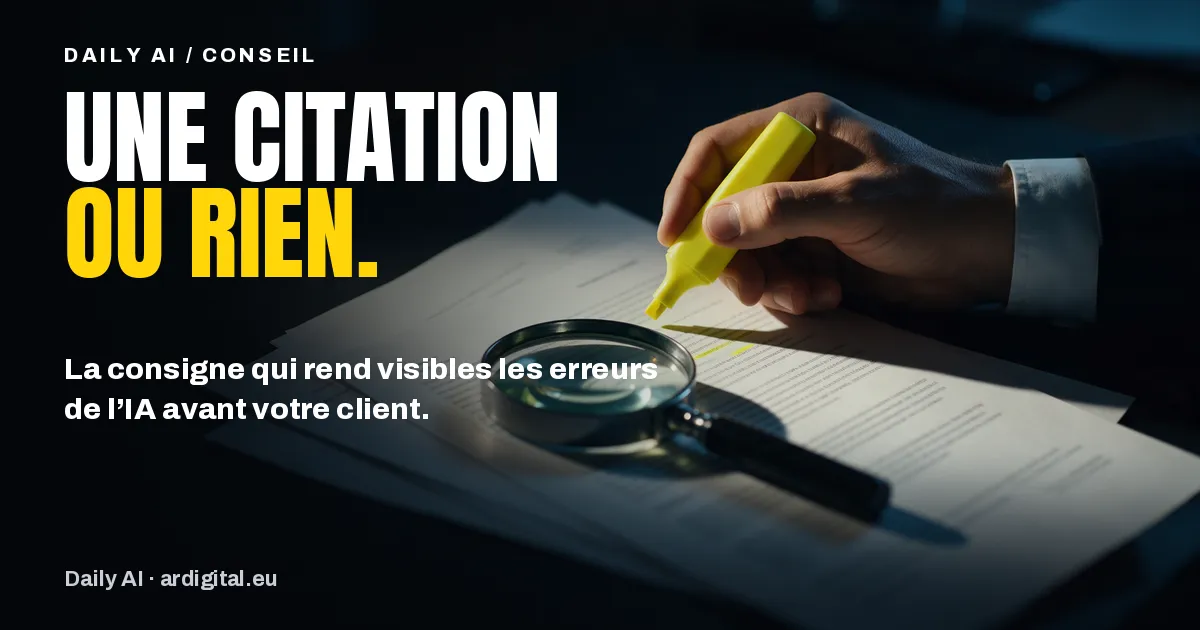
A contract summary, a reply to a customer, a note for management: AI writes quickly and confidently, even when it is wrong. An instruction of two sentences makes its mistakes visible before they leave the company.
Daily AI. Today’s tip: when AI summarises a contract or prepares a reply to a customer, demand an exact quotation for every claim. Provide the document, then ask: for each point, copy out word for word the sentence that supports it, and if you can’t find it, delete the point. After that, it’s down to you. Open the source, run a search in the document, paste the first words of the quotation. If it is found, the claim stands. If it isn’t, it comes out of the text. Start with whatever commits the company: figures, dates, prices, obligations. One trap: asking the AI whether it is sure. You get a polite answer, not proof. The method doesn’t remove every mistake, but it makes them visible before your customer sees them. The detail is just below.
Ask the AI to support every claim with a word-for-word quotation from your documents, and to remove whatever it can’t support. It is then up to you to find each quotation in the source before sending. Not every mistake disappears, but they become visible.
The problem at the office: a mistake that looks true
An AI mistake doesn’t look like a mistake. It arrives in a well-built sentence, among accurate information, in the same confident tone as everything else. A notice period that goes from three months to two, a clause that doesn’t exist, a rounded figure that changes the meaning of an offer: nothing flags the problem when you proofread.
The providers admit it in black and white. In its application card for Microsoft Copilot for organisations, Microsoft writes that when summarising content from several sources, Copilot may include in its answer information that does not appear in those sources, and it asks users to check the accuracy of answers. The Claude documentation states that its techniques clearly reduce invented information without eliminating it, and that important information must always be validated.
At the office, though, checking is often done by instinct: you reread, it sounds right, you send. That is precisely the case where the mistake gets through.
The habit: one quotation per claim
The principle has two steps. First, you ask the assistant to support every claim with an exact quotation, copied word for word from the document you gave it. Then you ask it to reread its own text and delete any claim for which it can’t find a quotation, marking where the deletion was made.
This isn’t a user hack. It is a technique described by Anthropic in the Claude documentation, under the name of citation-based verification: make the answer checkable by having it quote a passage and a source for every claim, then have it retract those it can’t support. The same page recommends explicitly allowing the assistant to answer that it doesn’t know, which can sharply reduce false information.
The other assistants point the same way. Microsoft states that Copilot answers based on company documents contain, where possible, references to the sources to allow verification. Google shows, under some Gemini answers or within their text, a Sources button that opens the list of related links, specifying in its help page that not every answer includes them.
The second step is you. A quotation is only worth something if it really exists in the document. Checking takes a few seconds: open the source, run the search (Ctrl + F on Windows, Cmd + F on Mac), paste the first words of the quotation. If it is found, the claim stands. If it isn’t, it comes out of the text.
A step-by-step example
Let’s take a fictional twenty-person SME that has to summarise a thirty-page maintenance contract for its managing director ahead of a renegotiation.
- Provide the document, not the subject. The contract is uploaded into the conversation, in a tool approved by the company. Without a document there is nothing to quote and the instruction loses its point.
- Give the quotation instruction (next box), with permission to answer “not specified in the contract”.
- Read the summary with its quotations. Each point of the summary arrives with its source sentence in quotation marks and the contract section.
- Check the points that commit you. Duration, notice period, price, penalties, termination: for each one, search for the quotation in the contract. Secondary points can wait.
- Remove or correct any point whose quotation can’t be found or differs, then delete the quotations from the version sent to the managing director if they make it heavier to read.
To copy into your request. “Summarise this contract for a business owner, in ten points at most. For each point, copy in quotation marks the exact sentence from the contract that supports it, word for word, with the article number. If a piece of information is not in the contract, write: not specified in the contract. Then reread your summary: if you can’t find a quotation for a point, delete that point and put empty square brackets [] in its place.”
The empty brackets come from the example given by Anthropic. They have a practical advantage: you can see where the assistant had to give up, which often tells you which part of the contract to read closely.
The trap to avoid
The most common trap is to ask the assistant alone to do the checking, in the same conversation, and stop there. “Are you sure?” can produce a polite confirmation, not proof. The quotation instruction makes the mistake detectable; only a search in the original document actually detects it.
The second trap, more subtle: a quotation that exists but doesn’t say everything. A sentence copied without the condition that follows it (“subject to”, “unless agreed in writing”) remains accurate and becomes misleading. For points that commit the company, read the next sentence too.
The third trap: quotation marks around a rephrasing. If the search doesn’t find the first words, it isn’t a quotation, even if the meaning seems close. Treat the sentence as an unproven claim.
Our take
In workshops, participants often look for the tool that doesn’t make mistakes. It doesn’t exist, and the providers say so in their own documentation. What changes results is a shared way of working: the AI writes and quotes, the human checks what commits. A team that has got into the habit saves time without exposing its signature, and can explain to a customer how a text was checked.
Taking it further with your team
The quotation instruction works best when it is part of the whole team’s habits, with a simple rule: no figure, no date, no commitment goes out without its source being found. It is easy to store in a shared instruction sheet, as we explained in our tip on the AI context sheet.
For long, sensitive documents, such as contracts, reports and tenders, we detail the uses and precautions in our article on Claude training for documents. In Luxembourg, this kind of support can be partly funded: see our guide to funding AI training through SME Packages.
Frequently asked questions
Which assistant does this instruction work with?
With any assistant you give a document to: Claude, Copilot, Gemini or another. The technique is described in the Claude documentation, but it relies on a request in plain language. What matters is providing the source and checking the quotations yourself.
Do all the quotations need checking?
No. Check first those that commit the company: figures, dates, prices, obligations, names. Background points can be skimmed. The aim is never to send out a commitment whose source sentence you haven’t found.
What if the AI searches the web rather than my documents?
Open each link cited and look for the sentence on the page. A link that exists proves nothing if it doesn’t contain the information. Gemini, for example, states that not all its answers include sources: without a source, the claim still needs checking.
Does the instruction remove all mistakes?
No. Anthropic writes that these techniques clearly reduce invented information without eliminating it. The instruction makes mistakes detectable; your check against the source removes them. For an important decision, a human review remains essential.
Every working dayAR Digital / Daily AI
Get Daily AI every working day.
One piece of AI news, what it changes for your business and what to do, in your inbox in the morning. Free, no commitment.

